Welcome back to the Set Up Your Food Blog series!
In the last post, you customized your WP setting, theme, and layout — basically designed your blog to feel more like you.
Now it’s time to add the tools that make your blog functional.
If WordPress is your kitchen, plugins are your gadgets — the tools that help you chop, cook, organize, and serve your content presentable.
You don’t need every tool in the drawer. You just need the right ones.
This guide breaks down the essential plugins every food blogger should install, why they matter, and how to set them up, all in a simple, beginner-friendly way.
📣 Please note: Some links in this post are affiliate links. If you make a purchase through them, I may earn a small commission — at no extra cost to you. Think of it as a tiny thank‑you for sharing my favorite culinary finds. Your support truly means a lot.

What Are Plugins?
Plugins are like small add-ons that give your blog extra features. They help you add recipe cards, improve SEO, speed up your site, and secure your blog, etc.
Think of them like kitchen gadgets. You don’t need 50, just need the ones that make cooking easier.
How to Install a Plugin
Inside your WordPress dashboard: Plugins → Add New
Search for the plugin name → Click Install → Click Activate
That’s it.
No coding.
No tech skills.
Just a few clicks.
Essential Plugins for Food Bloggers
These are the plugins that help your blog run smoothly, look professional, and grow over time.
1. WP Recipe Maker
Your recipe card plugin — the heart of your food blog.
Why you need it:
- Beautiful recipe cards
- Print-friendly layout
- Nutrition info
- Jump-to-recipe buttons
- SEO-friendly recipe schema
- Easy ingredient + instruction formatting
This plugin makes your recipes look clean, organized, and professional.
2. RankMath SEO
Your SEO assistant — helps your blog get discovered on Google.
Why you need it:
- Beginner-friendly SEO setup
- Keyword placement guidance
- Meta title + description editor
- Internal linking suggestions
- Recipe schedma support
- Image SEO tools
It’s lightweight, powerful, and perfect for beginners.
3. UpdraftPlus
Your backup plugin — protects your blog from accidents.
Why you need it:
- Automatic backups
- Easy restore options
- Cloud storage support
- Peace of mind
If anything breaks, you can restore your blog in minutes.
4. WP Super Cache
Your speed booster — helps your blog load faster.
Why you need it:
- Faster page loading
- Better user experience
- Better SEO
- Simple setup
Speed matters, esecially for recipe posts.
4. Smush Image Compression
Your image optimizer — keeps your photos beautiful and lightweight.
Why you need it:
- Compresses images without losing quality
- Improves site speed
- Auto-optimization
- Beginner-friendly
Food photos are heavy, this plugin keeps them under control.
4. Akismet Anti-Spam
Your comment protector — keeps spam away.
Why you need it:
- Blocks spam comments
- Keeps your blog clean
- Saves you time
A must-have for any blog with comments enabled.
Optional Plugins (Nice to Have)
These aren’t essential, but they’re helpful depending on your style:
- Elementor — drag-and-drop page builder
- Kadence Block — flexible design tools
- MailPoet — beginner-friendly email list builder
- Table of Contents Plus — auto-generated TOC for long posts
Use them only if you need them, don’t overload your kitchen.
Plugin Tips for Beginners
- Install only what you need
- Keep plugins updated
- Delete plugins you’re not using
- Avoid installing too many. It slows your site
- Check compatibility with your theme
Your blog doesn’t need to be perfect. It just needs to be functional.
You’ve Added the Tools Your Blog Needs to Grow
Now your blog has the tools it needs to:
- display recipes beautifully
- rank on Google
- stay secure
- load quickly
- stay backened up
- run smoothly
You’re building your food blog step by step, just like a recipe. One ingredint at a time.
What’s Next?
Now that your plugins are installed, it’s time to create the essential pages readers expect.
👉 Next up: Basic SEO for Food Bloggers
👉 Previous post: The Essential WP Plugins Every Food Blogger Needs
And if you haven’t signed up to a hosting yet:
👉 Start your food blog with Bluehost here
(It’s the same hosting I use — and you’ll get a sweet deal through my link)
Ready to finally start your food blog without overthinking every step, I’ve put together a FREE 30‑Day Grid View Challenge — a simple day‑by‑day roadmap you can download or print. It’s perfect if you just want clarity, structure, and a gentle push to stay consistent.
But if you prefer a guided experience with daily instructions and walkthroughs, you can upgrade to the 30‑Day Food Blogging Challenge Step‑by‑Step Guide.
Start with the free grid.
Upgrade anytime if you want the full guided version.
Your food blog can absolutely begin today.
And don’t forget to check out what’s new on our shelf, you’ll find helpful blogging resources and stress-free meal planning printables to download or print.
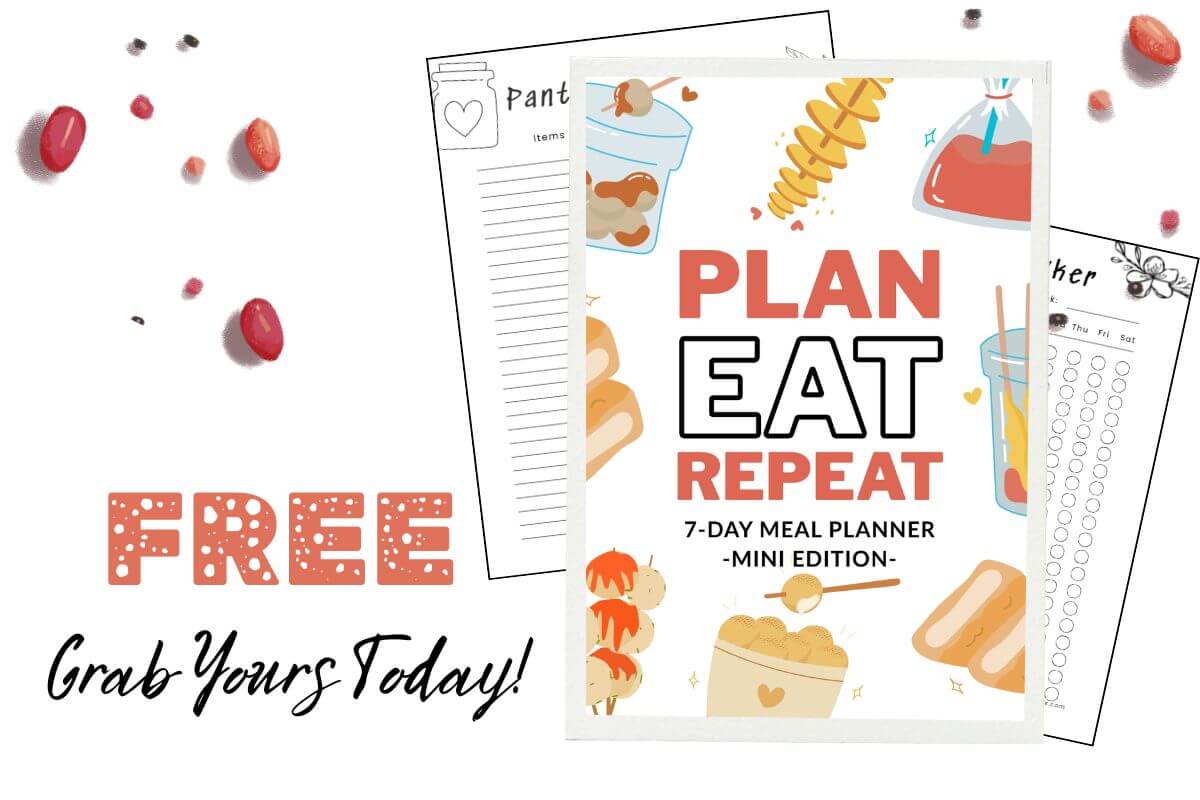
Want an easier way to plan your meals?